Why this architecture?
- Advanced capabilities: Supports both descriptive and predictive analytics
- Real-time: Handles streaming and batch processing
- Enterprise scalability: Designed for massive volumes
Typical implementation time: 3–6 months
Red Flags: Warning Signs in Service Selection
Based on our experience implementing Azure Analytics solutions, these are the most common warning signs that indicate problems in service selection:
❌ “Let’s use Synapse for everything” – Synapse is powerful, but can be overkill for simple cases
❌ “Power BI Premium solves all our performance problems” – Without an optimized data model, hardware isn’t the solution
❌ “Let’s migrate everything at once” – The big-bang approach rarely works well
❌ “We don’t need data governance right now” – Technical debt in data is expensive to pay later
Practical Decision Framework
Before choosing specific tools, ask yourself these five fundamental questions:
1. What is my primary use case?
- Operational reporting → Focus on simplicity and cost
- Exploratory analysis → Flexibility and processing power
- ML and predictions → Advanced capabilities and integration
2. What are my real constraints?
- Available budget
- Team’s technical expertise
- Implementation timeline
- Compliance and security
3. How will my usage grow in the next 2 years?
- Data volume
- Number of users
- Analysis complexity
- New data sources
4. What do I already have implemented?
- Existing licenses (Office 365, SQL Server, etc.)
- Team skills
- Current infrastructure
- Established processes
5. What is my definition of success?
- Technical metrics (performance, availability)
- Business metrics (adoption, ROI)
- User metrics (satisfaction, self-service)
Concrete Next Steps
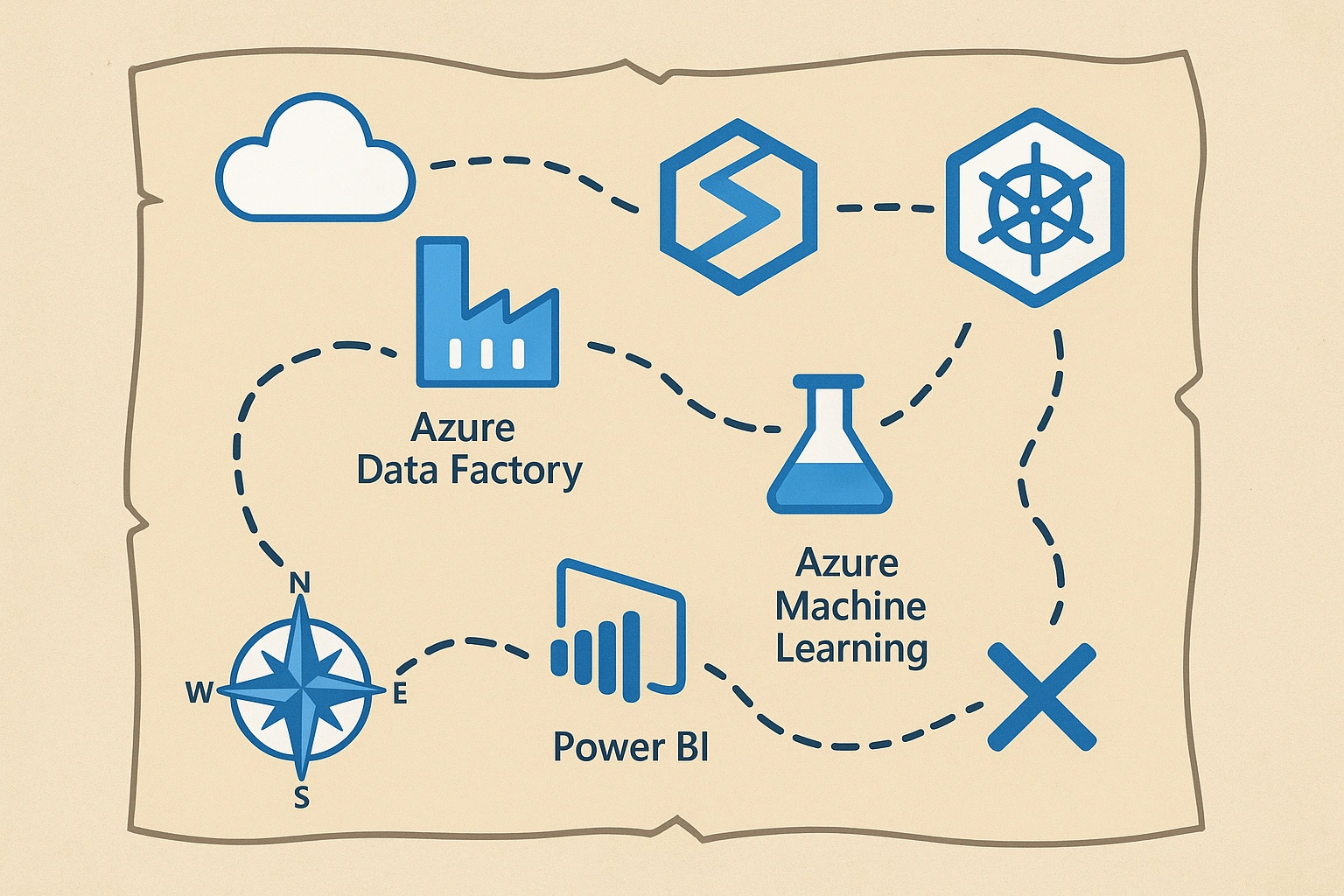
Now that you have the map of the territory, here are the immediate next steps we recommend:
This Week:
- Evaluate your current situation using the 5-question framework
- Identify your archetype (Basic/Intermediate/Advanced) based on the matrices
- Download our evaluation template [link to downloadable resource]
Next 2 Weeks:
- Map your current data sources – where they are and in what format?
- Identify your pilot use case – starting small is key to success
- Assess internal skills vs. external consulting needs
Next Month:
- Create a preliminary budget using our cost calculators
- Define specific success metrics for your pilot use case
- Plan your target architecture using the templates we’ll share
Conclusion: The Map is Just the Beginning
Understanding the Azure Analytics ecosystem is like having a detailed map of a new city – it orients you and gives you confidence, but the real learning happens when you start walking the streets.
In the next articles of this series, we’ll dive deeper into each of the key services, with step-by-step implementations, best practices, and real-world case studies. It’s not just about knowing the tools, but mastering how to combine them to create solutions that truly drive business impact.
The next article in the series: “Modern Data Architecture – Designing for Success,” where we’ll explore how to design scalable and future-proof architectures, with detailed diagrams and proven patterns.
Need Help with Your Specific Case?
Every organization has unique needs. If you’d like a personalized assessment of your specific scenario and architecture recommendations, our team of Azure Analytics specialists is available for an initial free consultation.
[Book Your Free Consultation] – 30 minutes with one of our senior architects