The accountant closes the month in the same old accounting software, the warehouse manager tracks stock in a spreadsheet and sales put quotes together in Word. Every month someone reconciles the three by hand, and every month there's a gap nobody can explain. When the general manager asks about an ERP, the answer is that it's expensive and meant for big companies.
That's the situation Microsoft built Dynamics 365 Business Central for: a cloud ERP for small and mid-sized companies that have outgrown their accounting software but don't need (or can't fund) a corporate ERP project. Below is what it includes, what the licenses cost, what to check in Chile, and when it makes sense and when it doesn't.
What Business Central is and what it covers
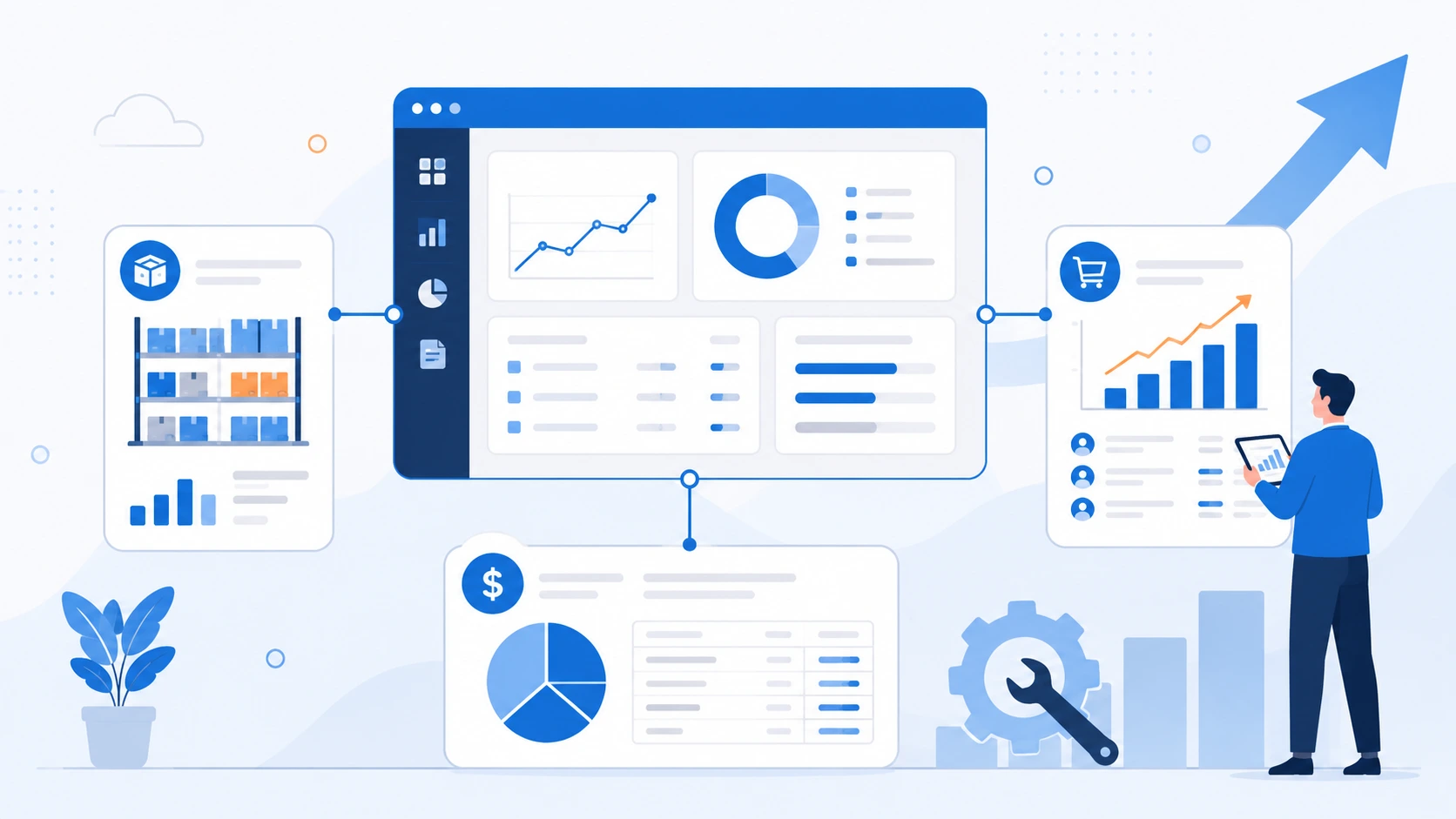
Business Central puts finance, sales, purchasing and inventory in a single database. It runs in Microsoft's cloud, you use it from a browser, and it connects to Outlook, Teams and Excel, which is where most teams already spend their day.
Microsoft sells it in two tiers. According to its official pricing page, Essentials covers finance, sales and operations, and Premium adds two things: service order management and manufacturing. If your company makes products, or has field technicians working from service orders, you'll most likely need Premium. If you buy, sell and distribute, Essentials should be enough.
One detail worth knowing before you decide: the tier is set per company, not per person. Microsoft's documentation says a user with an Essentials license can't sign in to a company configured for Premium. So if you switch a company to Premium, every full user in it needs a Premium license.
How much a Business Central license costs
These are Microsoft's published list prices in US dollars, per user per month, billed annually. We checked them in October 2026:
| License | List price | Who it's for |
|---|---|---|
| Essentials | USD 80 | People who record and post transactions: finance, purchasing, sales, warehouse |
| Premium | USD 110 | Everything in Essentials, plus manufacturing and service orders |
| Team Members | USD 8 | People who view data, approve workflows or update specific records |
There's also a way to save on licenses that is easy to miss. According to Microsoft Learn, employees who only need to view records shared with them in Teams can do it with their Microsoft 365 license, without a Business Central license, as long as the company has at least one licensed Business Central user.
Licenses are bought through Microsoft's CSP program, from a cloud solution provider. And the license is only part of the bill. To compare proposals properly, add implementation, Chilean localization, integrations, training and first-year support.
Business Central in Chile: localization
This is where many projects run into trouble. In the official country availability table, Chile is listed as available, but localized by partners on top of the international (W1) version, with data hosted in the Azure Brazil geography. Microsoft doesn't ship its own Chilean localization the way it does for Mexico or Canada.
In practice, electronic invoicing with the SII (Chile's tax authority), purchase and sales ledgers, tax reports and withholdings aren't part of the standard product. They come from a localization app a partner publishes on Microsoft Marketplace, and there's more than one on the market. Before you sign, ask:
- Which localization app will be used, who publishes it, and who's responsible when the SII changes a format.
- Which electronic tax documents it covers: taxable and exempt invoices, receipts, credit and debit notes, dispatch guides.
- Who issues documents to the SII: the app itself or an e-invoicing provider connected to it.
- How the localization handles the automatic updates Microsoft applies to Business Central online.
If your company handles personal data about customers or employees (nearly all do), where that data lives and how role permissions are set up matter too. We cover that in our article on Chile's Law 21.719 and the GDPR.
Copilot and agents inside the ERP
According to Microsoft's release plan, Copilot comes with the Business Central license at no extra cost. It's useful for specific jobs, like summarizing a record, helping with bank reconciliation or answering questions about your data.
The agents are the more interesting part. The Sales Order Agent reads orders that arrive in a shared mailbox, drafts the quote, checks availability and turns it into a sales order, asking a person to review the important steps. The Payables Agent does something similar with vendor invoices. The catch: agents consume Copilot Credits, which are billed by usage, and both Copilot and the agents only work in Business Central online, not in on-premises installations.
Which companies it fits (and which it doesn't)
Business Central is a good fit when several of these are true:
- The company already uses Microsoft 365 and wants the ERP to live alongside Outlook, Teams and Excel.
- A small group records transactions, and a larger group only views or approves.
- The company wants to stop maintaining its own servers.
- There are plans to automate processes with Power Platform or connect a CRM like Dynamics 365 Sales.
Look at other options if your operation depends on industry-specific processes no Marketplace app handles, or if you're at a different scale: many countries, complex manufacturing, hundreds of users. That's usually territory for Dynamics 365 Finance and Operations or another corporate ERP. And if you already run SAP Business One and it works, the problem probably isn't the software. For that case, we wrote about what a SAP Business One partner should offer.
Frequently asked questions
Does Business Central replace my accounting software?
Yes. It covers financial management along with sales, purchasing and inventory. To comply with the SII, it also needs a Chilean localization app from a partner.
Can I start with Essentials and move to Premium later?
Yes, you change it in the company settings. Keep in mind that once a company is on Premium, all its full users need Premium licenses.
How long does a Business Central implementation take?
It depends on how many companies, modules and integrations are involved, and how clean the data being migrated is. Starting with finance and inventory and rolling out in stages lowers the risk considerably.
How Disrupsoft can help
At Disrupsoft we implement Dynamics 365 in stages. We start by reviewing your sales and finance processes, roll out the critical areas first, integrate with Microsoft 365, Power Platform and your other systems, and then support your users with training and ongoing help. If you're evaluating Business Central, let's talk about your case.