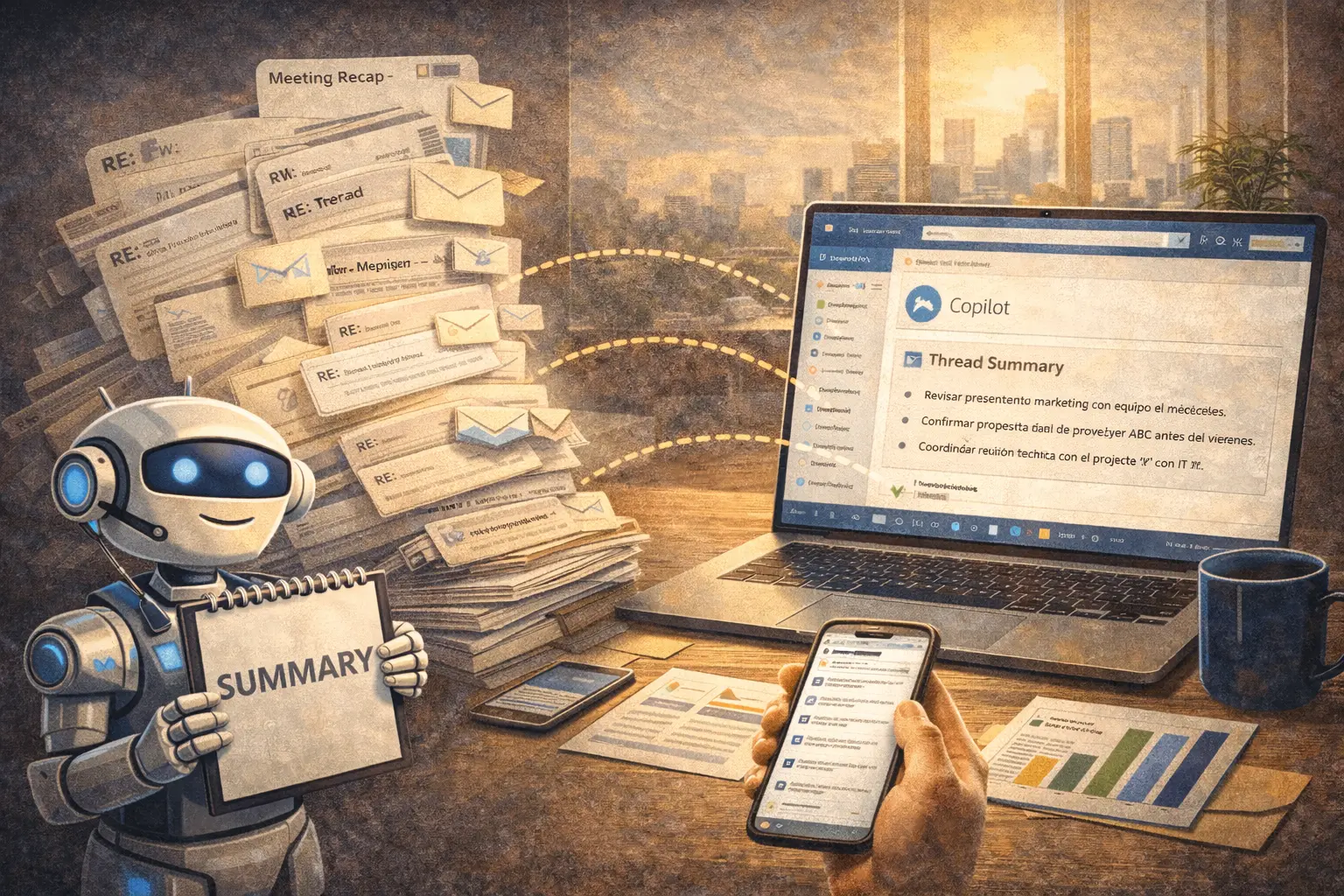
It's 8:47 AM. You open Outlook and see an email with subject "RE: RE: RE: RE: Q1 Project - Urgent".
You scroll. 23 messages. 14 people CC'd. Interleaved responses from the last 4 days. Someone attached a file in message #7. Another changed the topic completely in #15.
You need to know: What was decided? What do YOU need to do? By when?
Reading all 23 messages will take 15 minutes. Copilot solves it in 15 seconds.
This article gives you 4 specific prompt structures to master complex email threads, with real examples and step-by-step guidance.
The Real Problem: Chaotic Email Threading
Before solutions, let's understand the magnitude of the problem.
Data that hurts (2026):
- Professionals receive average 121 emails/day
- 36% of time on emails is spent searching information in old threads
- Threads with 10+ messages have 54% probability of containing contradictory decisions
- 23 minutes average to extract clear action from a complex thread
For a manager with 50 important emails/day: 19 hours weekly on email management.
The 4 Most Common Situations (And Their Prompts)
Situation #1: "I Have No Idea What Happened Here"
Problem: Long thread where you were added mid-conversation or haven't checked in days.
Objective: Complete context in 30 seconds.
Prompt Structure
Analyze this email thread and give me an executive summary in 4 sections:

1. CONTEXT: What is this conversation about? (max. 2 sentences)
2. DECISIONS: What was definitively decided? (bulleted list)
3. PENDING: What remains unresolved? (bulleted list)
4. NEXT STEPS: What comes next and who is responsible?

Format: Maximum 150 words. Prioritize most recent (last 3 messages).
Real Example - Transportation Industry
Context: 18-message thread about tire supplier change
Copilot Input:
[Select entire thread in Outlook]
[Open Copilot from side panel]
[Paste prompt]
Typical Output:
CONTEXT: Evaluation of tire supplier change from Michelin to Continental due to 15% price difference. Discussion includes impact on maintenance and warranties.

DECISIONS:
- Approved change to Continental for regional fleet (not national)
- Additional budget $8M for initial stock (approved by Finance)
- External maintenance will continue with current workshop

PENDING:
- Technical validation of compatibility with Volvo truck models (awaiting Maintenance report)
- Extended warranty negotiation with Continental
- Migration cutoff date definition

NEXT STEPS:
- Juan Pérez (Maintenance) delivers technical report → Jan 31
- María López (Purchasing) negotiates final terms → Feb 5
- Final decision meeting → Feb 8, 10:00 AM
Time: 15 seconds vs. 12 minutes reading entire thread.
Situation #2: "I Need to Find WHERE Something Specific Was Said"
Problem: You know someone mentioned a number/date/commitment, but don't remember in which of 15 messages.
Objective: Extract specific information without reading everything.
Prompt Structure
Search this email thread and extract ONLY information about:
- [SPECIFIC TOPIC: budget / dates / owners / etc.]

Format: Verbatim quote + indicate who said it + on what date

If information not found, respond "Not mentioned in this thread".
Real Example - Financial Sector
Context: 11-message thread about corporate credit approval
Prompt:
Search this thread and extract ONLY:
1. Approved credit amount
2. Final agreed interest rate
3. Disbursement date
4. Special conditions or required guarantees

Format: Verbatim quote + who said it + date
Output:
1. AMOUNT: "Credit approved for UF 50,000 (approx. $1,850M CLP)"
   - Said by: Carlos Rojas (Credit Manager)
   - Date: January 24, 2026, 3:32 PM

2. RATE: "Final rate TAB + 2.5% annual, fixed for 36 months"
   - Said by: Ana Martínez (Pricing)
   - Date: January 25, 2026, 9:15 AM

3. DISBURSEMENT: "First installment available Feb 15, subject to promissory note signing"
   - Said by: Carlos Rojas
   - Date: January 26, 2026, 11:20 AM

4. GUARANTEES: "Mortgage on commercial property in Las Condes + joint promissory note from partners"
   - Said by: Legal (Patricia Vega)
   - Date: January 25, 2026, 4:45 PM
Time: 20 seconds vs. 8 minutes searching manually.
Situation #3: "What Do I Specifically Need TO DO?"
Problem: Thread with many mentioned tasks, but unclear which are YOURS.
Objective: Personal actionable list.
Prompt Structure
Analyze this thread and extract ONLY commitments or tasks assigned to ME:

- Indicate: WHAT I must do
- Indicate: BY WHEN (explicit or implicit deadline)
- Indicate: WHO expects it (to whom I should report/send)

If no tasks assigned to me, respond "No direct commitments for you in this thread".

Format: Table with 3 columns: Task | Deadline | Report to
Real Example - Mining (Safety)
Context: Post-minor safety incident thread
Prompt:
[Paste of above prompt applied to thread]
Output:
| Task | Deadline | Report to |
|---|---|---|
| Update PPE usage protocol in Mine 3 | Feb 2 | Operations Manager |
| Coordinate refresher training with shift supervisors | Feb 10 | HR Chief |
| Generate similar incidents report last 6 months | Feb 5 | Safety Committee |
| Validate PPE stock in warehouse and request replenishment if needed | Jan 31 | Purchasing Chief |
Time: 10 seconds vs. 10 minutes identifying manually.
Situation #4: "Respond Without Repeating What Was Already Said"
Problem: You want to respond but aren't sure if what you'll say was already mentioned.
Objective: Avoid duplicating information or already-answered questions.
Prompt Structure
Analyze this thread and tell me if the following points were ALREADY mentioned/answered:

[LIST YOUR POINTS/QUESTIONS]

For each point:
- If ALREADY mentioned: indicate who said it and when
- If NOT mentioned: respond "Not discussed yet"

This will help me write a response that adds value without repeating.
Real Example - Retail (Supplier Coordination)
Context: Contract terms negotiation
Prompt:
Analyze this thread and tell me if these points were already mentioned:

1. Volume discount for orders >100 units
2. Payment term extended to 60 days
3. Defective product return policy
4. Delivery times to regions outside Metropolitan Region
5. Price conditions with dollar >$950 CLP

For each point: was it discussed? If yes, what was said?
Output:
1. VOLUME DISCOUNT:
   ✅ Discussed - "Supplier offers 8% discount for orders >100 units, but only on Premium line products"
   - By: Supplier (message 5, Jan 23)

2. PAYMENT TERM:
   ✅ Discussed - "We accept 45 days, not 60. That's our maximum."
   - By: Supplier (message 9, Jan 24)

3. RETURNS:
   ❌ Not discussed yet

4. REGIONAL DELIVERY TIMES:
   ✅ Partially mentioned - "Regional deliveries +5 business days vs. MR"
   - By: Supplier (message 7, Jan 23)
   - But NOT specified if there's additional cost

5. DOLLAR CONDITIONS >$950:
   ❌ Not discussed yet
Result: Now you can write your response focusing on points 3, 5, and clarify point 4 without repeating what was already said.
Advanced Usage Tips
Tip #1: Combine Prompts for Complex Threads
For 20+ message threads with multiple topics:
- First: Use Situation #1 (general summary)
- Then: Apply Situation #2 or #3 as needed to dig deeper
Tip #2: Use Copilot BEFORE Responding
Recommended sequence:
- Receive complex thread
- Apply Situation #1 prompt (context)
- Apply Situation #4 prompt (what not to repeat)
- NOW draft your response with complete context
Total time: 1 minute. Response quality: 10x better.
Tip #3: Save Your Favorite Prompts
Copilot doesn't save prompt history, so:
Create "Email Prompts" document with:
- The 4 prompts from this article
- Your personalized variations
- Shortcuts for quick copy-paste
Tip #4: Train Your Team
If your team uses Copilot, share these prompts. Multiplied benefit:
- 10 people × 15 min/day saved = 12.5 team hours weekly
- Clearer communication (everyone uses same summary format)
- Fewer "does anyone know what was decided?"
Common Mistakes (And How to Avoid Them)
Mistake #1: Pasting Incomplete Thread
❌ Bad: Copy only last 3 messages of a 15-message thread
✅ Good: Select ENTIRE thread from Outlook
How to do it: Click first message in thread → Ctrl+Click last message → Copilot analyzes everything
Mistake #2: Prompt Too Vague
❌ Bad: "Summarize this email"
✅ Good: Use specific structures from this article
Mistake #3: Not Validating Critical Outputs
❌ Bad: Trust 100% in Copilot summary for financial/legal decisions
✅ Good: Manually validate critical decisions or important numbers
Mistake #4: Forgetting Human Context
❌ Bad: Respond based only on Copilot summary without reading message tone
✅ Good: Copilot gives the WHAT, you add the HOW (tone, empathy, political context)
Real Impact Metrics
If you process 15 complex threads/week:
| Metric | Without Copilot | With Copilot | Savings |
|---|---|---|---|
| Time per thread | 10 min | 1 min | 9 min |
| Weekly time | 150 min | 15 min | 135 min |
| Annual time | 130 hours | 13 hours | 117 hours |
117 hours = almost 3 complete work weeks.
Implementation Checklist (This Week)
Day 1:
- Save the 4 prompts from this article in a document
- Try Situation #1 on your next complex thread
Day 2-3:
- Apply Situation #3 (personal tasks) on 2 different threads
- Measure how much time you saved vs. traditional method
Day 4-5:
- Share prompts with 2-3 colleagues who also struggle with emails
- Collect feedback and adjust prompts for your industry
Expected result: 1-2 hours saved in first week.
Next Steps
Option 1: Download the 4 Prompts in PDF
Printable template with:
- The 4 copy-paste prompts
- Variations by industry (mining, finance, transport, retail)
- Visual step-by-step guide
Option 2: Learn More Prompt Structures
This article covers only emails. You can also optimize:
- Meetings (automatic summaries)
- Data analysis in Excel
- Presentation preparation
Option 3: Team Implementation
Want your entire team to master these techniques?
- 1-hour "Email with AI" session
- Practice with real threads from your company
- Personalized documentation
Conclusion: Email Doesn't Have to Be a Nightmare
The problem was never email volume. The problem is treating 2026 emails with 1996 methods.
With Copilot and these 4 prompt structures, you transform:
- 15 minutes of confused reading → 15 seconds of clarity
- "What was decided?" → Clear decisions with owners and dates
- Responses that repeat what was said → Contributions that add real value
You don't need to read fewer emails. You need to process them intelligently.
And now you have the tools to do it.
Did you try any of these prompts?
Share your result (time saved, clarity obtained) with us: contacto@disrupsoft.com
We'll publish the best cases in future articles.