Almost every company that calls us about Power Platform starts the conversation the same way: "we have a process that's still done by hand in Excel, and it can't keep going like this." It's almost never true that they need a whole platform. Almost always, they need one specific thing automated properly.
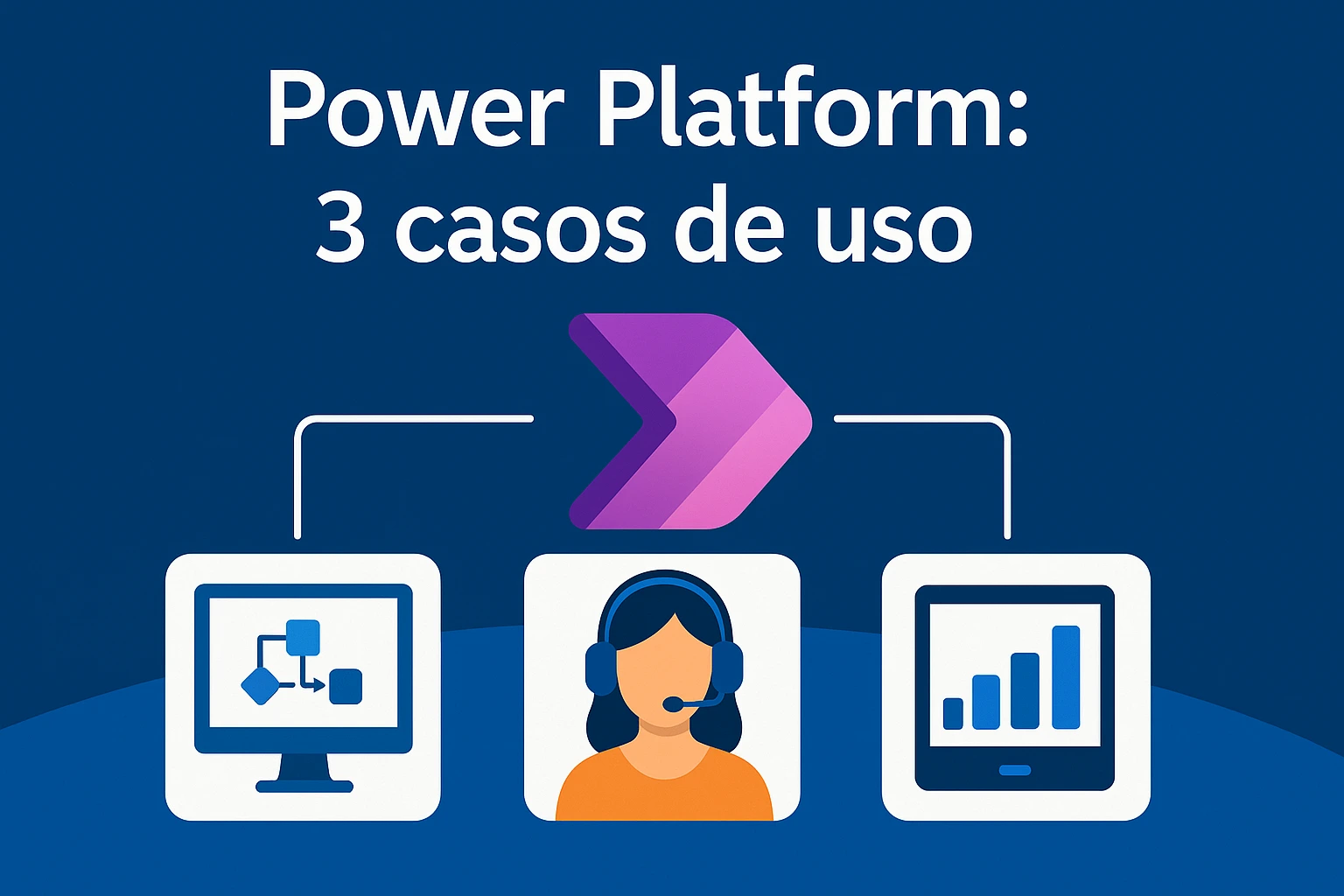
Power Platform — Power Automate, Power Apps, Power BI — has a reputation as the answer to everything. In a way, it is: it covers workflow automation, internal apps without traditional development, and real-time data dashboards. But precisely because it covers so much ground, it's easy to end up building (or buying) more than the actual problem calls for.
The first process you automate shouldn't be the most important one
There's a natural pull to start with the business's most critical process — the one that moves the most money, the one the most people touch. That's usually a mistake. Critical processes tend to be full of exceptions, special approvals, and edge cases nobody ever wrote down. Automating that one first means spending weeks uncovering business rules nobody knew existed.
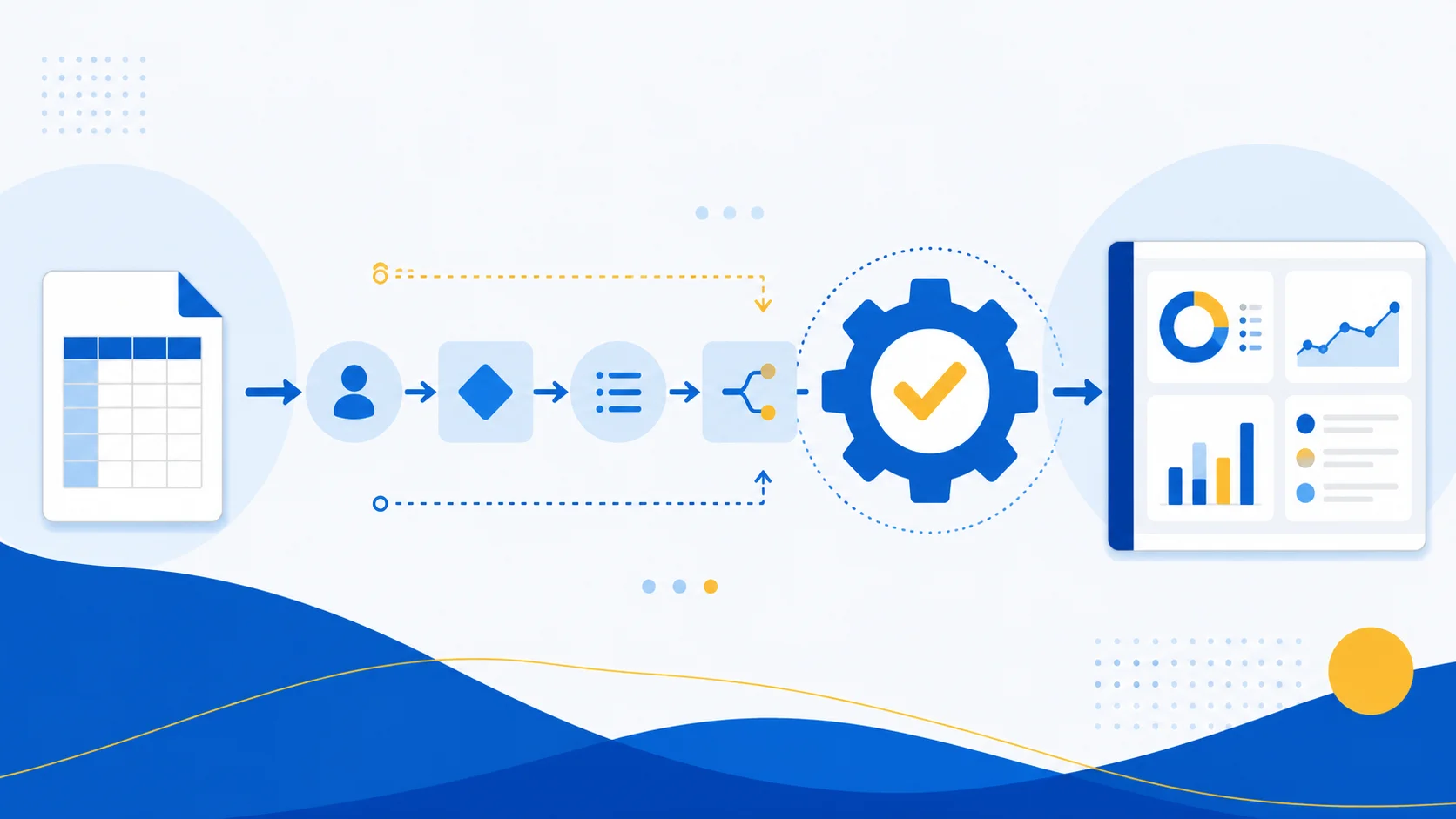
Better to start smaller: a repetitive process with clear rules that eats up time from people who could be doing something more valuable. Expense approvals, weekly report generation, notifications when a status changes in a spreadsheet. Automating that first gets you a quick, visible win, and gives the team real confidence in the tool before tackling anything more complex.
Power Apps doesn't replace custom development, and it shouldn't
Power Apps is good for building internal apps fast — warehouse inventory checks, field forms, task tracking. Where it doesn't hold up as well is when the business logic gets highly specific, or when the app needs to scale to thousands of external users with demanding performance requirements. That's where traditional development (or AI-accelerated development, which is a different conversation) makes more sense.
That's not a knock on the product. Citizen development and professional development just solve different problems, and mixing them up tends to produce apps nobody maintains six months later.
Power BI only pays off if someone's actually looking at the dashboard
This sounds obvious, but it gets ignored constantly: a beautiful Power BI dashboard that nobody checks every week creates zero value. Before investing in visualization, it's worth asking who's going to use that data to make an actual decision, and how often. If the honest answer is "no one in particular, but it looks good in the board meeting," there's probably a better place to put that budget.
The signs it's already time to automate
You don't need a sophisticated business case to know if something's worth automating. It's usually enough to check whether more than one of these applies:
- Someone spends several hours a week copying data between systems or spreadsheets.
- The process depends on one specific person being available — if they're out sick or on vacation, everything backs up.
- Mistakes keep happening on repetitive tasks because people get tired or distracted.
- The process is already documented (even if only in someone's head) — it just needs to run consistently. If two or more of those sound familiar, you're probably already losing more time and money by not automating than automation would actually cost.
Where to actually start
The most effective move isn't hiring a big "Power Platform digital transformation" project. It's picking one concrete process, automating it, measuring the result, and only then deciding whether to keep going. That's how we work at Disrupsoft: we start with specific use cases — automation, internal apps, or dashboards — before proposing anything bigger. If you've got a manual process that's already wearing you down, let's talk about automating it.