It's 10 a.m. and the account manager is on her fifth call of the day, answering the same question: "Where's my order?" To reply, she opens the ERP, finds the sales order, checks the dispatch note, then goes to another screen for the invoice, because the customer wants the PDF too. Four minutes per call, thirty calls a day.
A custom customer portal is there so that call never happens. The customer logs in, sees where their order is, downloads the invoice and submits a request without waiting for someone to pick up the phone. That part is easy. The hard part is deciding what the self-service portal should include, whether to build it or switch on a module that already comes with your ERP or CRM, and how to protect the personal data that will now sit on the internet.
What a customer portal should include
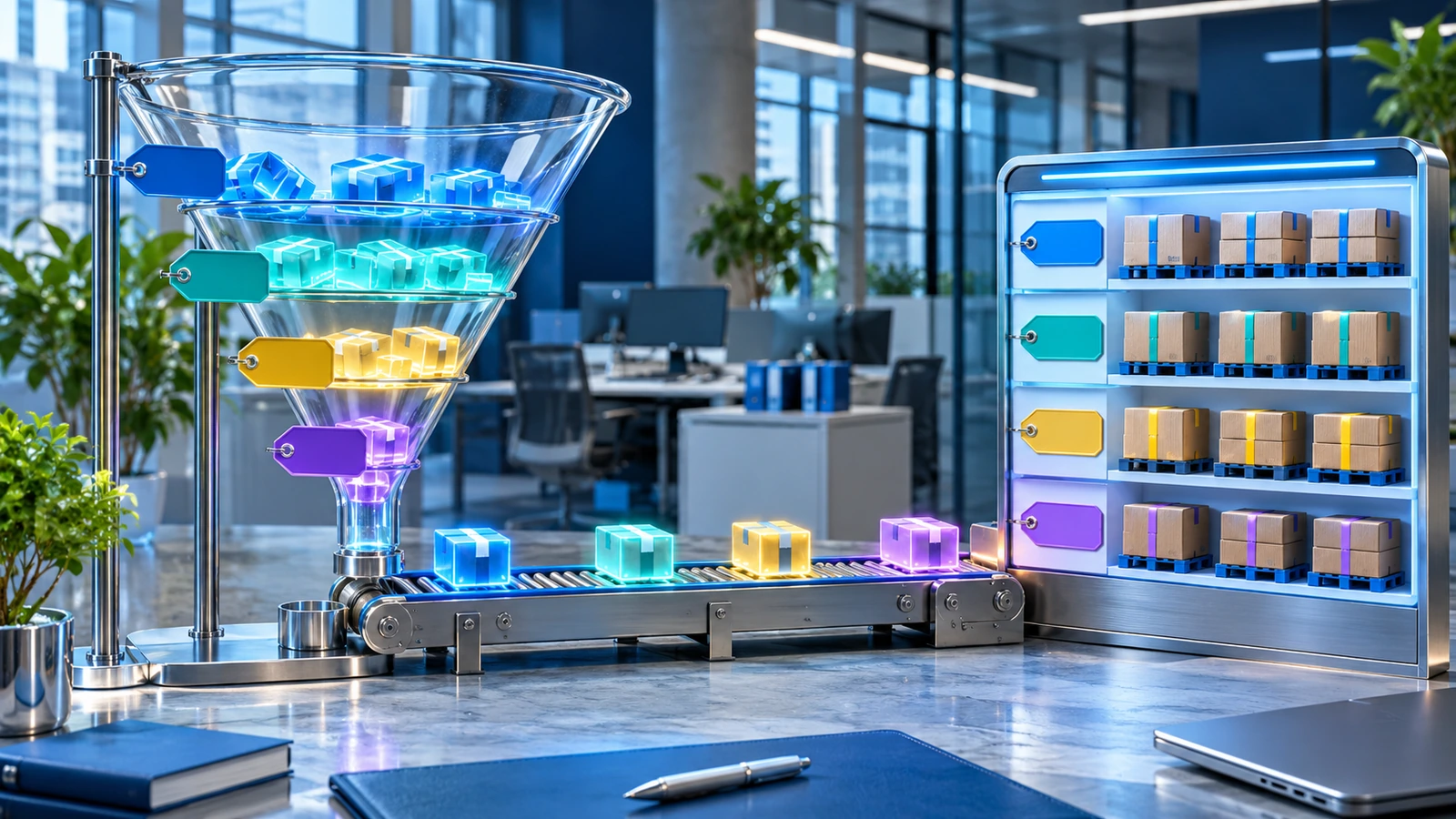
The most common mistake is starting with a list of 40 features. A useful portal starts with the three or four questions that come in most often by phone and email, and answers them well. For most B2B companies, these are the ones:
| Feature | What it solves | Where the data comes from |
|---|---|---|
| Order and delivery status | "When will mine arrive?" | ERP (sales order, dispatch note) and the transport system, if there is one |
| Invoices and documents | Downloading invoices, credit notes, certificates | ERP or e-invoicing system |
| Account statement | Balance, overdue documents, applied payments | ERP accounts receivable module |
| Requests and claims | Opening a case and following it without calling | CRM or help desk |
| Account details | Contacts, delivery addresses, users at the customer company | The portal itself or the CRM |
One thing missing from that table matters more than any single feature: users per customer company. In B2B you don't give access to "a customer". You give access to several people at a company, each with different permissions. Purchasing sees orders, finance sees invoices and the account statement, the general manager sees everything. If the portal doesn't handle that from day one, you end up creating shared accounts, which is exactly what you want to avoid.
Custom portal or standard module
Many ERPs and CRMs come with their own portal, or can be extended with a low-code tool. In the Microsoft world, for instance, Power Pages lets you build sites connected to Dataverse and Dynamics 365 tables. According to Microsoft's pricing page, it's licensed per site and per calendar month: packs of 100 authenticated users at USD 200 a month (paid yearly) and packs of 500 anonymous users at USD 75. Those are reference prices in US dollars and can vary by country.
To decide, look at two things: where your data lives today and how specific your process is.
A standard module is usually enough if:
- Your data already lives in the platform that offers the portal (say, all your customer service runs on Dynamics 365).
- The process is the one the product ships with: view cases, view orders, download documents.
- The number of external users is limited and predictable, so per-user costs don't run away.
A custom portal starts to make sense if:
- The data is spread across several systems, for example an older ERP, an in-house dispatch system and a separate CRM.
- The workflow is specific to your business: quotes with special pricing rules, approvals on the customer's side, uploading technical documents.
- You have lots of external users who log in only occasionally, and per-user licensing becomes expensive compared with a build that has a fixed infrastructure cost.
- You need a fully branded experience, or a mobile app that runs on the same back end.
Before deciding, run the numbers over three years: licenses or infrastructure, initial build, maintenance and the cost of changing your mind. A standard module that doesn't fit the process ends up with custom development on top, and then you pay for both.
ERP integration: the part that shapes the project
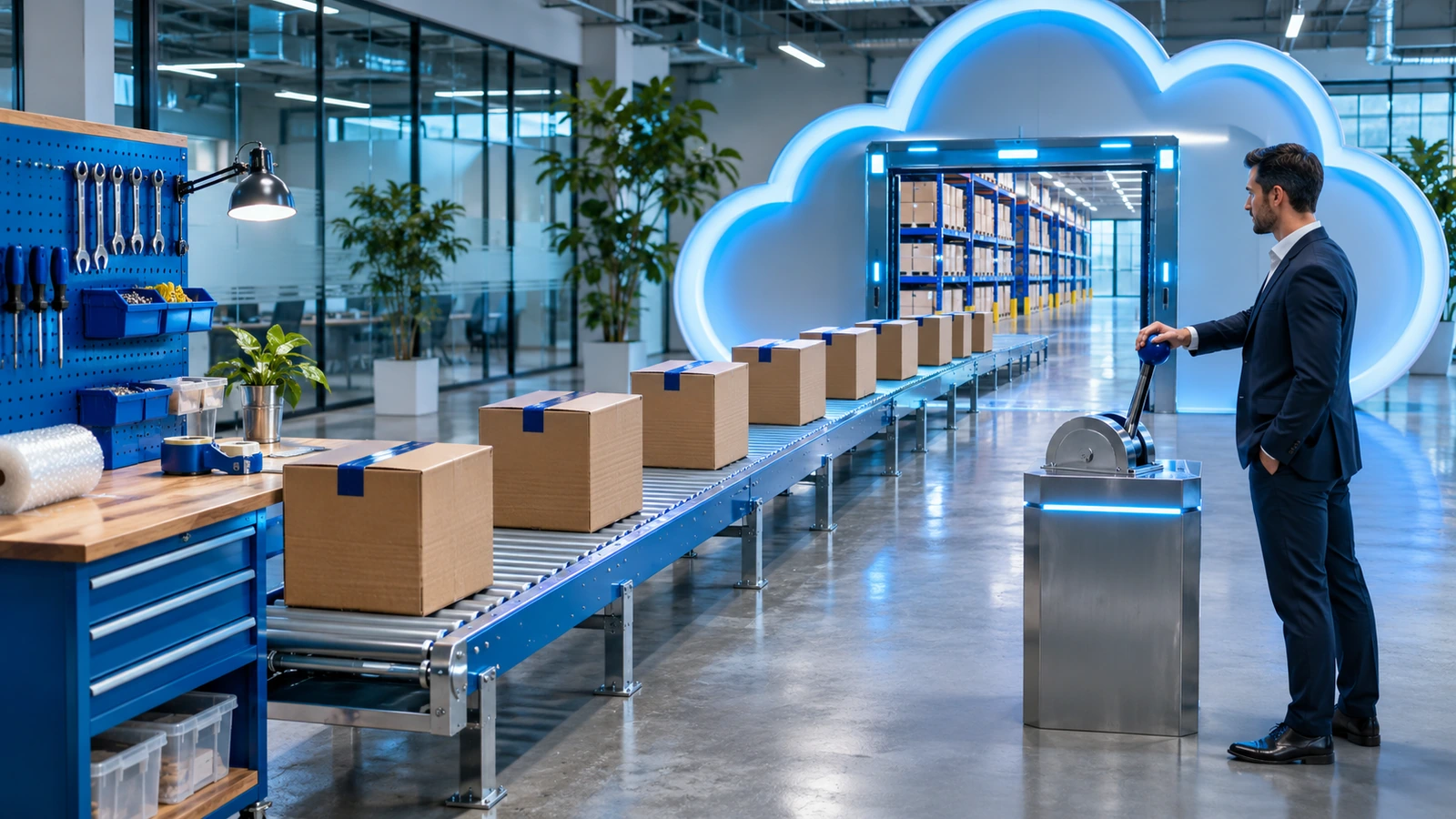
Building the screens rarely takes long. What drives timeline and cost is integration with the ERP and the other systems holding the data. Three decisions are worth making early:
- Which data you query live and which you copy. Order status can be read from the ERP on the spot; five years of invoice history is probably better synced to the portal's own database, so the ERP doesn't take a hit on every visit.
- What the portal is allowed to write to the ERP. Reading is low risk. Creating a sales order or changing a delivery address from the internet needs validation, a record of who did what, and a plan for when the ERP doesn't respond.
- How the portal reaches the ERP. Always through the layer the vendor provides (API, web services or whatever integration interface applies), never by writing straight into the tables.
We covered integration patterns (APIs, webhooks, queues, scheduled files) and what to ask each system's vendor in detail in systems integration with ERPs and banks.
Security: the portal is your ERP facing the internet
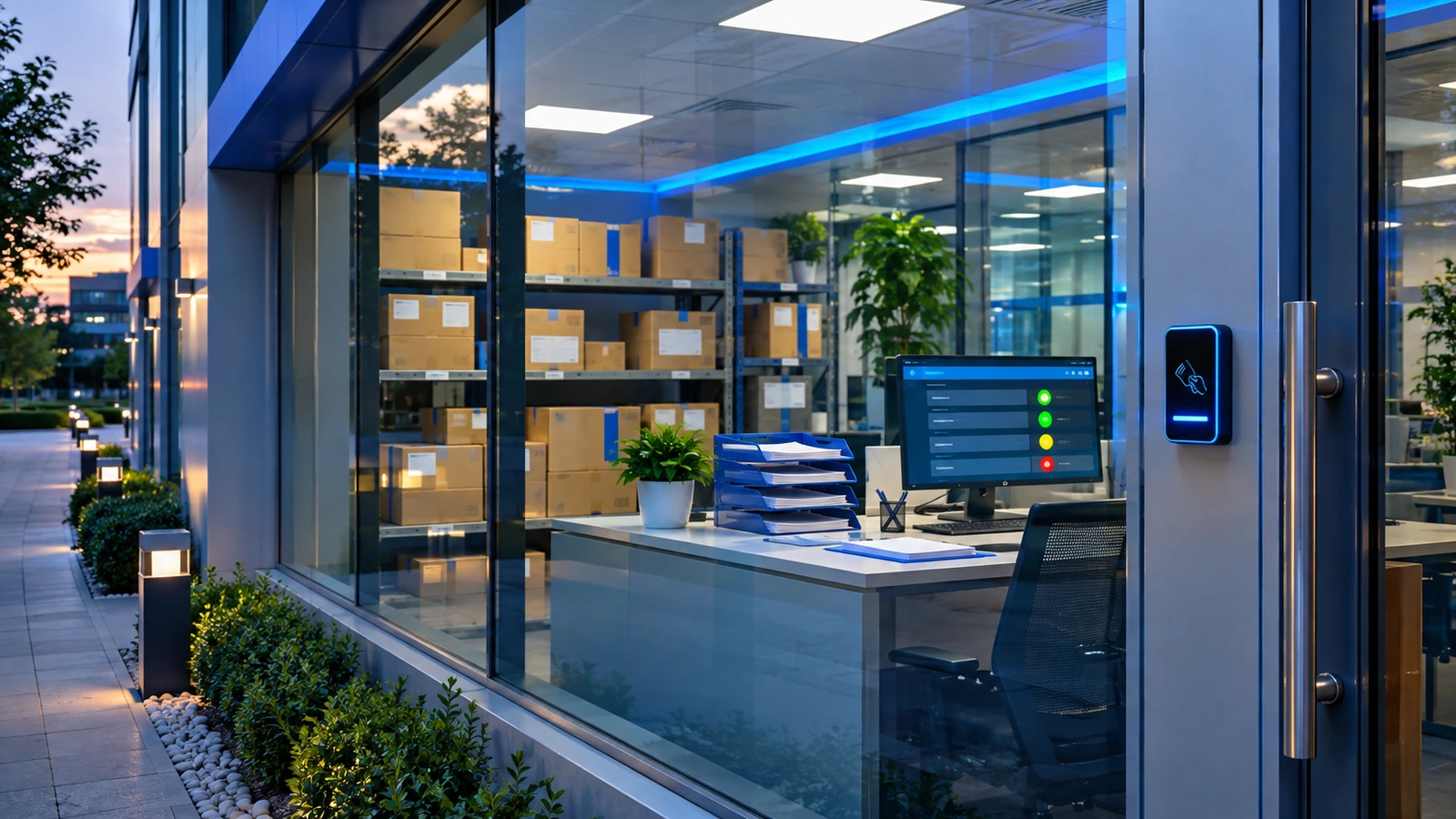
A customer portal puts on the internet information that used to be visible only to your team. And the most common problem in portals isn't sophisticated at all: one customer ends up seeing another customer's data.
The OWASP Top 10:2025 keeps broken access control as the number one risk in web applications. In a portal it looks like this: a customer downloads their invoice from a URL ending in /invoice/10234, changes the number to 10235 and gets another company's invoice. You prevent it by checking on the server, on every request, that the document belongs to the user's company. Hiding the button on screen protects nothing, because the URL is still there.
The minimum any portal should have:
- Sign-in with a second factor, at least for users who see financial information.
- Permissions by role and by customer company, enforced on the server.
- A log of logins and downloads, so you know who saw what and when.
- A clear process to remove users when someone leaves the customer company.
For the full list of controls for a web application, see security baseline for custom web applications.
Personal data and Chile's Law 21.719
Even if your customers are companies, the portal handles data about people: names, emails, phone numbers and RUT (tax ID) of contacts, and sometimes home delivery addresses. That falls under Law 21.719 on personal data protection.
About the date: the law was set to take effect in December 2026. On November 17, 2026, the Chamber of Deputies approved the bill that postpones it to October 15, 2027, which completed its passage through Congress and sent it to the President for enactment. The extra time doesn't change much here: a portal you start designing today will be running when the law applies, so it's worth designing with it in mind.
For a portal, that turns into concrete design decisions:
- Ask only for the data you need to operate. If you don't use a contact's date of birth, don't ask for it.
- Let users see and correct their own data in the portal. It makes access and rectification requests easier to handle.
- Decide how long you keep data for inactive users, and what happens when a company stops being a customer.
- Document which third parties process portal data (hosting, email delivery, analytics) and under what terms.
How to start without overbuilding
A customer portal lends itself to growing in stages. A reasonable path:
- Measure what your customers ask. Go through a month of calls and emails to sales and collections, and sort by volume.
- Launch a read-only first version (order status, invoices and account statement) with a group of trusted customers. That saves the most calls with the least risk.
- Add features that write to your systems (requests, orders, data changes) once the first version is stable and you know how people use it.
FAQ
How long does a custom customer portal take?
Mostly it depends on the integrations. A read-only first version connected to an ERP with a documented API moves much faster than one that has to talk to several older systems. The real timeline shows up once you review which systems hold the data.
Can the portal also work as a mobile app?
Yes. If the portal is built as a responsive web application, it works well on a phone. If you need notifications or offline use, you can build an app that uses the portal's same APIs.
What happens if I change ERPs later?
If the portal reaches the ERP through its own integration layer rather than directly through its tables, switching ERPs means rebuilding that layer, not the whole portal. So design it that way from the start.
Let's talk about your portal
At Disrupsoft we build portals for customers and suppliers, with self-service, request tracking, documents and statuses, integrated with your ERP so nobody types the same data twice. We start with a review of your process and give you a proposal with defined scope, timeline and cost. If your team spends the day answering "where's my order?", tell us what you need for your custom software development project.