It's 8:40 a.m. and the accountant can't open Excel because Office wants her to reactivate the license. At 9:15, a salesperson at the Concepción branch is staring at a BitLocker blue screen on her laptop. At 10:00, the Wi-Fi on the second floor goes down. All three tickets land on the same help desk, but only one of them needs someone to show up at the office, and it isn't always the one you'd guess.
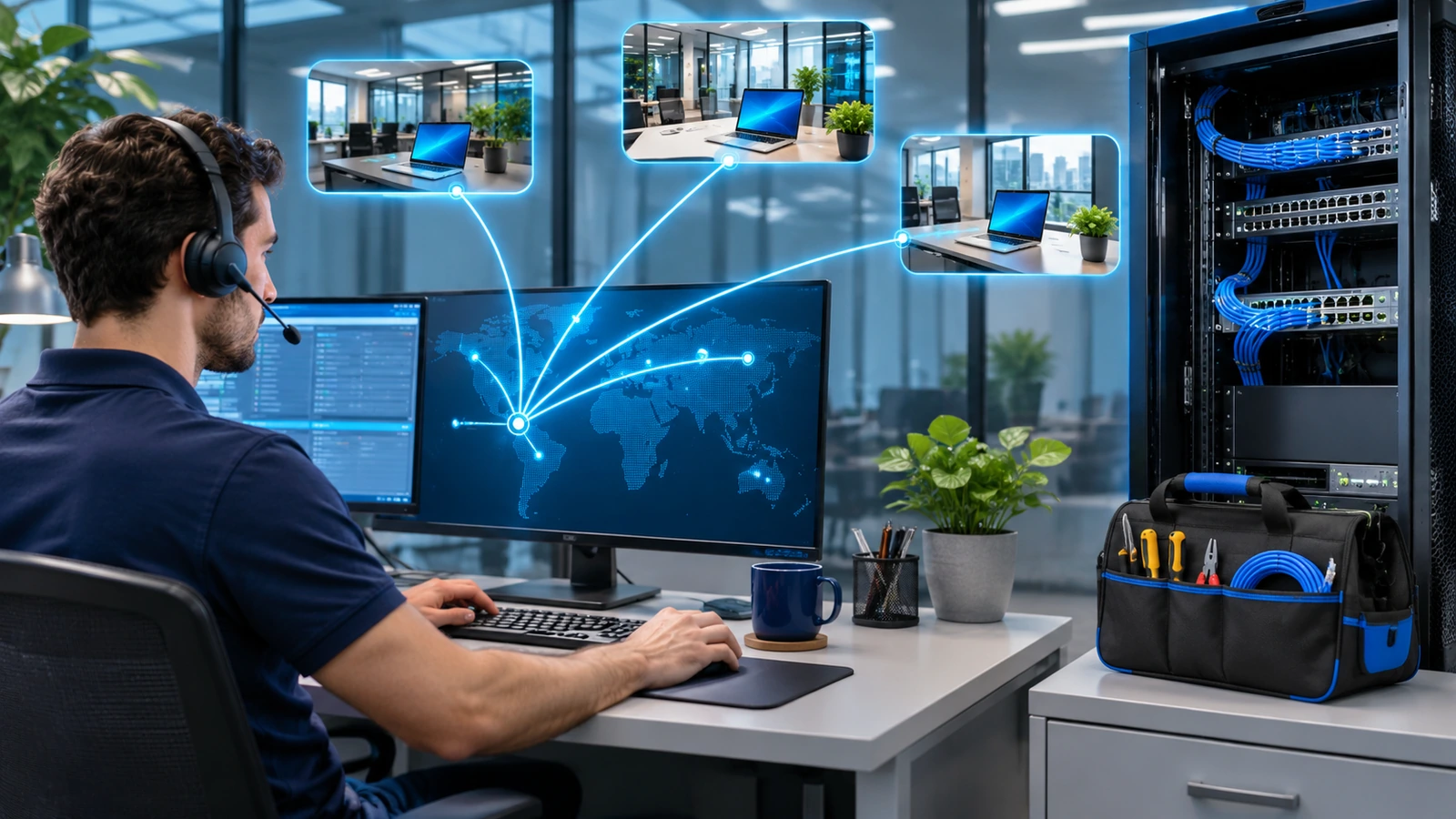
Remote IT support for businesses now handles most user tickets without anyone leaving their desk: passwords, licenses, device settings, Microsoft 365, reinstalls, even a full laptop reset. What can't be fixed remotely is almost always physical: failing hardware, cables, printers, a local network that's down. The model that works pairs a remote help desk as the first line with limited on-site support, plus clear rules on when a ticket gets escalated and who goes.
If you're still deciding whether to outsource at all, we compared both options in outsourced or in-house IT support. This article assumes you already have (or are about to have) a remote help desk and want to know how far it can go.
What remote support can fix
When devices are managed from the cloud, a remote technician can do a lot more than look at the user's screen. With Microsoft Intune they can restart a device, sync policies, run a Microsoft Defender Antivirus scan, collect diagnostics, rotate the local admin password or the BitLocker recovery key, and wipe or reset a device. The full list is in the Intune device actions documentation.
That covers things like:
- Passwords, account lockouts and multifactor authentication issues.
- Microsoft 365 licensing and activation.
- Email, Teams, OneDrive and SharePoint permissions.
- Installing and updating apps.
- VPN, corporate Wi-Fi or certificate settings.
- Slow or misbehaving machines, or malware that can be cleaned up.
- Lost or stolen laptops, which can be locked or wiped remotely.
Even a machine that needs to go back to "like new" can be handled without a visit. A remote Windows Autopilot Reset returns the device to a business-ready state from the Intune admin center, so nobody has to walk up to each machine. The device needs to be joined to Microsoft Entra ID, managed by Intune and have the Windows Recovery Environment enabled.
New devices work much the same way. With Windows Autopilot, the manufacturer or reseller can ship the device straight to the user. They turn it on, connect to the internet, sign in with their work account and the device configures itself. For the Concepción branch, that means not sending anyone out to set up laptops.
What still needs on-site support
Some problems no tool can solve from a distance:
- Damaged hardware: screens, keyboards, drives, swollen batteries, chargers.
- Devices that won't power on or can't reach the internet.
- Cabling, network jacks, switches and access points that are down.
- Printers with mechanical issues.
- Meeting rooms: cameras, displays and microphones plugged in wrong.
- Local servers or network gear, when the failure blocks remote access.
On-site support is needed when there's something physical to touch, or when the failure cuts the very connection a remote technician would use.
Remote access tools are not all the same
Pick your remote access tool with security in mind. Tech support scams work precisely because someone accepts a connection they never asked for.
| Tool | What it offers | What to consider |
|---|---|---|
| Quick Assist | Built into Windows, no extra license, lets the helper view and control the screen | No role-based access or session auditing; Microsoft recommends switching to Remote Help for use within a single organization |
| Intune Remote Help | Works only with accounts from your own organization, with role-based permissions, session logs and Conditional Access | Requires a license for both helpers and users and Intune-enrolled devices |
| Third-party tools integrated with Intune | Unattended access, file transfer, multiple platforms | Separate vendor license; check who has accounts and how sessions are logged |
There's a licensing change worth knowing about. Since mid-2026, Microsoft has been adding Remote Help to Microsoft 365 E3 and E5, along with other capabilities that used to be sold separately. If your company has those plans, check whether you already have it before paying for another tool. For other plans, see Intune advanced capabilities.
Remote Help also lets an authorized technician sign in unattended to a corporate Windows device enrolled in Intune, without the user being there. That's handy for after-hours work. We recommend giving that permission to only a few technicians, and only for the devices that need it.
And users need to hear one simple rule over and over, which Microsoft gives too: only accept a remote connection if you're the one who contacted the help desk.
How to combine remote and on-site
For companies with a head office and a few branches, this setup has worked well for us:
- Every request comes in through one channel (portal, email or Teams) and gets logged as a ticket.
- The remote help desk tries first. If it can't fix the issue, it writes down what it tried.
- Escalation to on-site follows defined criteria: hardware failure, no connectivity, or a critical device down for longer than an agreed time.
- The on-site technician arrives with the diagnosis already done and doesn't ask the same questions again.
- Branches with no nearby technician get a contact person who can follow basic instructions (restart network gear, check a cable), plus a spare device already set up with Autopilot.
On-site support can be a scheduled visit (say, half a day a week), on call, or a mix. The contract has to say which one applies, the response times and what an extra visit costs.
What to measure in the contract
Keep remote and on-site metrics separate. A password ticket and a dead drive can't have the same deadline:
- First response time by priority.
- Resolution time by priority, split between remote and on-site.
- Percentage of tickets resolved on first contact.
- Percentage of tickets escalated to on-site (if it climbs, something is off in the first line or in your device fleet).
- Arrival time on site, by city or branch.
- User satisfaction after each ticket.
In what to demand in a managed services SLA we explain how to read these clauses and their penalties.
Then there's the legal side. A remote support provider sees screens, emails and files containing employee and customer data, which makes it a data processor. Chile's Law 21.719 takes effect on December 1, 2026 and requires that relationship to be governed by a contract. Also ask for remote sessions to be logged, so you can check who connected, to which device and when.
Frequently asked questions
Does remote IT support replace on-site technicians?
Not completely. It handles most user requests, but hardware, cabling and printer failures still need someone on site.
Is it safe to give an outside provider remote access?
Yes, if you use tools with role-based permissions and session logging, each technician signs in with their own account, and the contract covers how personal data is handled.
What do I need to fix more issues remotely?
Devices managed from the cloud, for example joined to Microsoft Entra ID and enrolled in Intune. Without that, a remote technician can only see the screen while the user is sitting there.
Get your remote help desk in order
At Disrupsoft we approach IT outsourcing with a Microsoft focus: staff augmentation by the hour or month, squads with a PM, development and QA, and managed services with a service catalog, response and resolution SLAs, and 9x5 or 24x7 coverage. If you want to work out what to handle remotely and how to measure it, take a look at the plans in Disrupsoft IT Outsourcing and tell us how your operation is spread out.