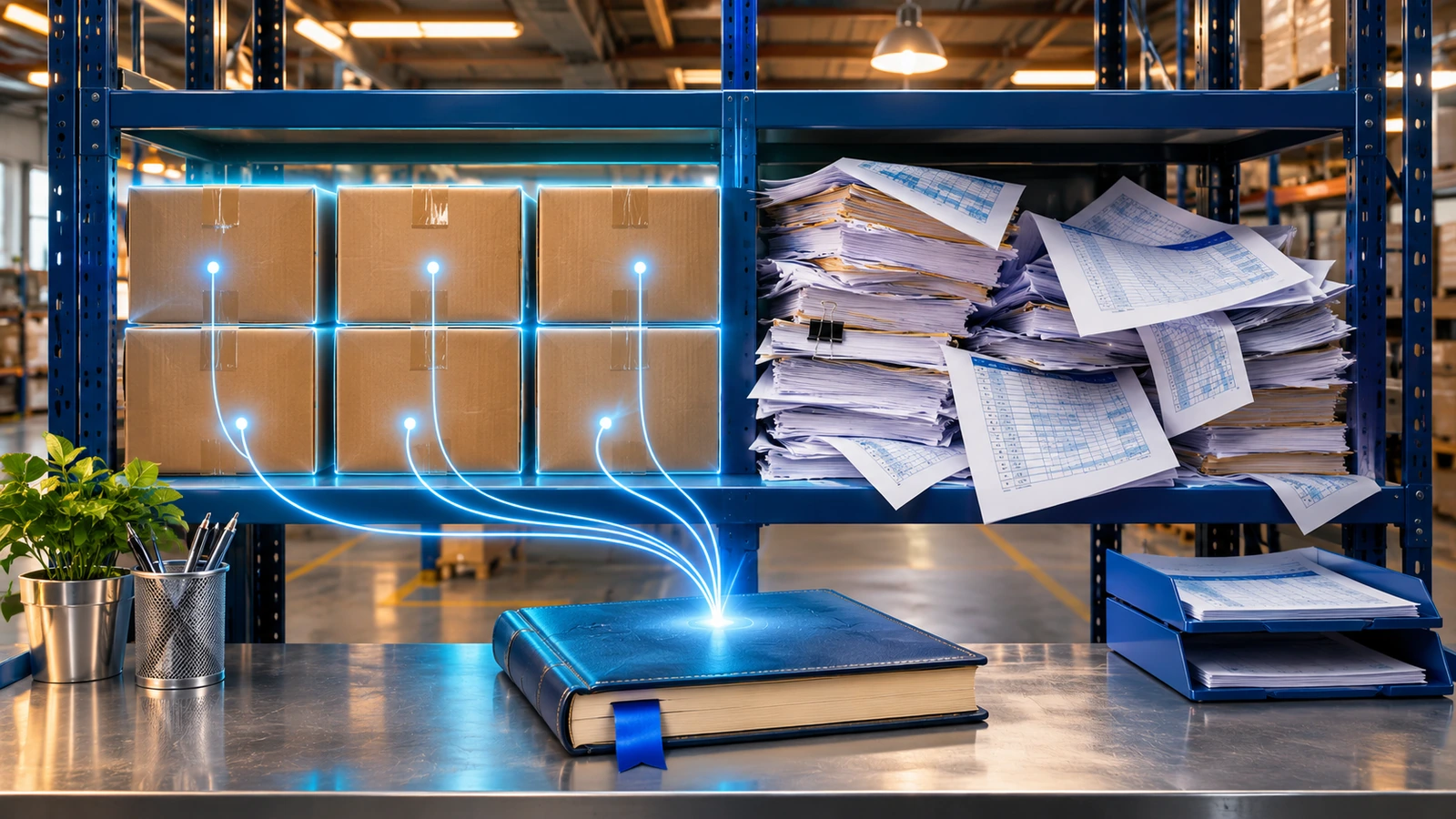
Three weeks before cutover, the customer file had 14,000 rows. The sales manager recognized about 2,000 of them as active customers. The rest were walk-in sales with made-up tax IDs, companies that closed years ago and the same distributor spelled four different ways. Someone suggested loading everything "just in case." Nobody could say what would be lost if they didn't.
In an SAP Business One migration, the hardest decision isn't technical. It's agreeing on which data moves to the new system, at what level of detail, and what stays behind in the old one for reference. This article lays out a way to make that call for the initial load: which master data, balances and documents to bring, which to leave, and how to check that the numbers tie out on go-live day.
Decide the rule before you open the spreadsheets
Wanting to migrate "everything" is understandable. It feels like nothing gets lost. In practice it means cleaning, mapping and validating data nobody will use, and starting a new ERP full of dead records.
A more useful rule: bring into SAP Business One what you need to operate from day one and to balance the books, and leave in the old system what you only need to look up. Most arguments settle quickly with that rule:
- A customer who hasn't bought in three years doesn't need to be active on day one. If they come back, you create them.
- An invoice paid in 2023 doesn't belong in the new ERP. Someone does need to be able to find it.
- A purchase order that hasn't arrived yet has to be there, because your warehouse is going to receive it.
That "someone needs to find it" matters. In Chile, according to the SII, accounting books must be kept for six years while the Tax Code's statute of limitations is running. Leaving history behind doesn't mean switching off the old system and forgetting about it. Keep it read-only, or export the data to a format someone can still open five years from now.
What to bring into SAP Business One
| Data | Bring | Leave in the old system |
|---|---|---|
| Chart of accounts | The structure you'll use going forward, reviewed with accounting | Accounts with no activity that nobody can explain |
| Business partners (customers and vendors) | Those with balances, open documents or recent activity | Inactive records, duplicates and generic walk-in customers |
| Items | Active items and anything with stock | Discontinued items with no stock, test codes |
| Price lists | The ones in use today | Historical lists |
| Inventory | Quantities and costs from a physical count | Past stock movements |
| Open documents | Pending sales and purchase orders, open A/R and A/P invoices | Paid invoices and closed documents |
| G/L balances | Balance sheet at cutover (plus year-to-date P&L if you go live mid-year) | Journal entries from prior years |
Each department has to agree on what "recent activity" means. For some businesses it's twelve months; with long sales cycles it might be two or three years. Which one you pick matters less than writing it down and having the data owner sign off, not the consultant.
Balances and open documents: where most mistakes happen
Master data usually takes the most time, but the expensive errors show up in balances. SAP's training material on opening balances is fairly explicit about the load order:
- Master data: chart of accounts, business partners, items and price lists.
- Inventory quantities and costs, after a physical count with the legacy system frozen.
- Open documents that don't move inventory: sales and purchase orders, A/R and A/P invoices, payments on account and production orders.
- Final balances for business partners, G/L accounts and bank transactions.
Three of SAP's recommendations prevent most reconciliation problems.
Open deliveries and goods receipts don't get migrated. As SAP's documentation on open transactions explains, if a delivery already reduced stock in the legacy system and you load it again, it reduces stock a second time. Invoice or close them before cutover, or finish processing them in the old system.
Open invoices are loaded as service-type invoices, not item-type. An item invoice with no preceding document acts as the delivery or receipt and moves inventory. A service invoice updates the partner's balance without touching stock.
And don't count anything twice. If you loaded every open invoice, each customer's balance is already right and shouldn't be entered again as an opening balance. The same goes for the A/R, A/P and inventory control accounts on the balance sheet.
You also have to choose how to load each customer's balance. You can import every original invoice with its due date, which keeps aging accurate and lets payments be matched to a document. Or you can use the business partner opening balance transaction, which posts a journal entry with origin "OB" and is faster. If your collections team lives in aging reports, the first option will save you complaints. And if you load with original dates, the posting periods for those dates have to exist in SAP B1 and be unlocked.
Inventory: counted quantities, costs that tie out
Opening stock should come from a physical count, not from whatever the old system says. If that figure carries errors, you'll inherit them under a new logo.
Cost depends on the valuation method you set up. With moving average, SAP recalculates cost on every receipt, so load the current legacy cost accurately. With FIFO you can load several layers at different costs. With standard price, the value lives in the item master.
There are three ways to load it: the inventory opening balance transaction, a goods receipt template in the Data Transfer Workbench or, for a handful of items, manual receipts. Batches and serial numbers work with any of them. What you don't want is to leave the count for the Friday of cutover without having tested the template first.
Tools: DTW, and when it isn't enough
The Data Transfer Workbench is SAP's tool for moving data in from a legacy system. It works with templates per object (business partners, items, sales and purchasing documents, journal entries) and handles both master and transactional data. For migrating ERP data at a typical small or midsize company, it does the job.
Where it falls short is transformation. DTW loads what you give it; it won't deduplicate customers or map item codes. That work happens beforehand, in spreadsheets, a staging database or scripts, depending on volume. If you'll run the load several times (test loads, a dress rehearsal, the final cutover), it pays to automate extraction and transformation so every run produces the same files through the same process.
Something else that gets forgotten: those spreadsheets are full of tax IDs, addresses, phone numbers and sometimes employee data. Chile's Law 21.719 is set to take effect on December 1, 2026, although the Senate Constitution Committee approved a bill to push it to December 2027 that is still moving through Congress. Postponed or not, decide where those files live, who can open them and when they get deleted. A migration is also a good excuse to stop carrying personal data that no longer serves a purpose.
How to know the migration worked
A migration is done when the new system's reports match the old one's as of cutover. SAP suggests comparing:
- The stock audit report against legacy inventory quantities and values.
- Customer and vendor aging reports against receivables and payables.
- The balance sheet on the first day of operation against the legacy trial balance.
- The open items list against pending orders in the old system.
Keep those reconciliations, signed. When someone asks in March why a customer shows a different balance, you'll want them close at hand. To see how this fits into the rest of the project, our article on SAP Business One implementation without delays walks through every phase, and if the migration also means changing infrastructure, SAP Business One cloud options compares the alternatives.
Frequently asked questions
Should I migrate sales history into SAP Business One?
Usually not as transactions. It's expensive, it can move inventory and accounting if you're not careful, and it rarely gets used. If you need historical analysis, it's simpler to bring that history into a Power BI model that combines both systems.
What happens to deliveries that are still open at cutover?
SAP recommends not migrating them, because they would reduce stock twice. Ideally, invoice or close them before cutover. If that isn't possible, finish processing them in the old system.
Can we go live in the middle of the fiscal year?
Yes. In that case, besides the balance sheet, you load the P&L balances for the months already elapsed, ideally period by period, so the year's reports come out complete.
Getting ready to migrate?
At Disrupsoft we work with SAP Business One on migrations and upgrades, integrations with Azure and Power Platform through Service Layer and DI-API, Power BI analytics and AMS support. If you're deciding what goes into the new system or need to automate your test loads, take a look at our SAP services and let's talk.