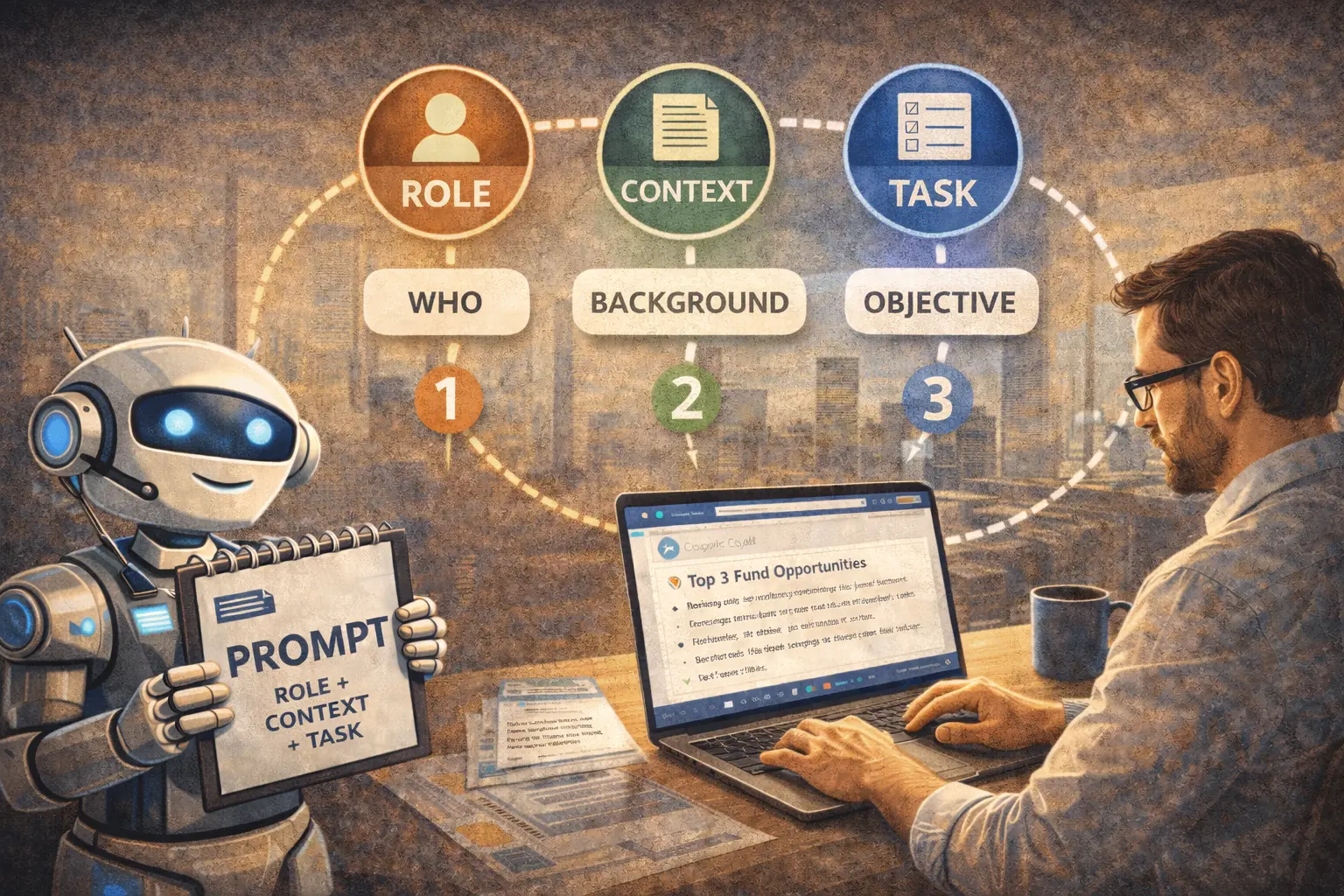
You've used ChatGPT. You've tried Copilot. Maybe you've even played with Claude or Gemini.
Sometimes you get brilliant results. Other times the AI gives you generic, vague, or completely off-context responses.
The difference isn't in the AI. It's in how you talk to it.
This article gives you the 3 fundamental principles that separate those who get real value from AI from those who abandon it frustrated.
No academic theory. Practical principles you can apply in your next prompt.
Why Prompt Engineering Matters (Even If You Hate the Term)
Before the principles, a compelling fact:
MIT Study (2025): Managers with basic prompt engineering training (2 hours) achieve:
- 31% more productivity with AI vs. untrained users
- 47% less frustration with AI outputs
- 3.2x more likely to use AI regularly after 3 months
The difference between a mediocre and good prompt:
- Time to get useful output: 1 attempt vs. 5+ attempts
- Result quality: Generic vs. Specific to your context
- Editing needed: 80% vs. 20%
Prompt engineering isn't "learning to code". It's learning to communicate clearly with a powerful tool.
Principle #1: Specificity > Brevity
The Common Mistake
Most people think: "The shorter the prompt, the better".
Result: Vague prompts that produce vague responses.
The Principle
The MORE specific, the better results. AI doesn't penalize long prompts if they're clear and structured.
Before vs. After
❌ Bad Prompt (Vague)
Summarize this report
Problem: The AI doesn't know:
- Who is the summary for? (CEO, technical team, client)
- What length? (1 paragraph, 1 page, bullet points)
- What to prioritize? (conclusions, data, recommendations)
Typical output: Generic 3-paragraph summary that includes EVERYTHING without hierarchy.
✅ Good Prompt (Specific)
Summarize this market analysis report for board presentation.

Audience: 5 directors without technical context, have 3 minutes to read.

Format:
- 1 context paragraph (max. 3 lines)
- 3 key findings (bullets)
- 1 actionable recommendation

Prioritize: Revenue impact and competitive risk. Omit methodological details.
Typical output: Precise executive summary, in exact format, focused on what the board needs.
How to Apply It
Specificity Template:
[MAIN TASK]

Audience: [who will read/use it]
Context: [relevant background information]
Objective: [what this output should achieve]
Format: [structure, length, style]
Priorities: [what to include/exclude]
Real Example - Mining:
Draft email to union explaining safety protocol changes.

Audience: 45 workers, average education level: technical high school
Context: We had minor incident last week, new protocol is MORE strict
Objective: Achieve adoption without generating resistance or punishment feeling
Format: Email max. 250 words, collaborative tone not authoritarian
Priorities: Emphasize benefits for THEIR safety, don't mention "fines" or "sanctions"
Time saved: 1 specific prompt vs. 4-5 iterations with vague prompt = 15 minutes.
Principle #2: Context Before Task
The Common Mistake
Jumping straight to asking for what you need without giving the AI necessary context.
It's like asking someone "give me your opinion" without explaining about WHAT.
The Principle
AI produces better outputs when it understands the full picture BEFORE executing the task.
Correct order:
- CONTEXT (situation, constraints, frame of reference)
- TASK (what specifically it should do)
- FORMAT (how to deliver the result)
Before vs. After
❌ Bad Prompt (Task Without Context)
Create a 5-slide presentation about our product.
Problem: AI invents the context, probably wrong.
Typical output: Generic presentation that could be for any product in any industry.
✅ Good Prompt (Context + Task)
CONTEXT:
We're a freight transport company specialized in mining sector.
We've been operating for 15 years, have 120 trucks, cover northern Chile.
We're presenting to potential client (medium-sized mining company, 400 employees) who currently uses cheaper competitor but with punctuality problems.

TASK:
Create structure for 5-slide presentation positioning our premium service.

FORMAT:
- Slide 1: Client's problem (not our company)
- Slides 2-4: How we solve that specific problem
- Slide 5: Trial proposal (30-day pilot)

Each slide: Title + 3 bullets maximum + 1 suggested image
Typical output: Presentation focused on client's specific pain (punctuality) with clear differentiating messages.
How to Apply It
Essential Context Checklist:
Before any important prompt, ask yourself:
- Does AI know who my audience is?
- Does AI know relevant constraints/limitations?
- Does AI understand what problem I'm solving?
- Does AI have examples of "good" vs "bad"?
If you answer NO to 2 or more: You need more context.
Real Example - Financial Services
Without Context:
Analyze this credit portfolio and give me recommendations.
With Context:
CONTEXT:
I'm risk analyst at Chilean regional financial institution.
This portfolio has 150 SME retail sector credits, total UF 8,500.
Current delinquency: 4.2% (above industry benchmark of 3.1%).
Regulation requires us to reduce provisions in Q2.

CONSTRAINTS:
- Can't increase rate to current clients (contractual commitments)
- Limited budget for external collection: $2M monthly
- Internal team: 3 people

TASK:
Analyze this portfolio and give me 3 prioritized recommendations to reduce delinquency to <3.5% in 90 days, considering constraints.

FORMAT:
For each recommendation: Action + Expected impact + Estimated cost + Timeline
Difference: Actionable recommendations within real constraints vs. generic impossible-to-execute ideas.
Principle #3: Intelligent Iteration > Perfect Prompt
The Common Mistake
Thinking you must create the perfect prompt on first try, and if it fails, AI "doesn't work".
The Principle
Best results come from progressive refinement, not getting it right the first time.
Correct mindset:
- Prompt 1: 70% of what you need (first 2 minutes)
- Prompt 2: 90% of what you need (refine what was missing)
- Prompt 3: 95-100% (final adjustments)
Total: 5-7 minutes. Better than 30 minutes trying to create perfect prompt.
How to Iterate Effectively
Strategy 1: Incremental Refinement
First version:
Create safety checklist for crane operation.
If output is too generic, second version:
Use previous checklist, but add:
- Specific verifications for forklifts (not just tower cranes)
- Checkpoints BEFORE, DURING, and AFTER operation
- Items operator checks vs. items supervisor checks

Maximum 15 total items so it's practical to use in field.
If still missing something, third version:
Perfect, now convert that checklist to format I can print on laminated A5-size card. Use simple language (education level: technical high school).
Strategy 2: Comparative Examples
If output isn't what you expected, show example:
The email tone above is too formal.

Example of tone I need:
"Hi team, sharing a quick update on the project..."

Rewrite the email with that more conversational but professional tone.
Strategy 3: "Explain Why"
If output surprises you, ask for the logic:
Why did you recommend prioritizing option A over option B?
I need to understand the reasoning to validate it with my team.
Often you'll discover AI is right for reasons you didn't consider.
Real Example - Transportation
Iteration 1:
Give me 5 KPIs to measure fleet efficiency.
Output: Generic metrics (km traveled, fuel consumption, etc.)
Iteration 2:
These KPIs are too basic. I need KPIs that help me:
1. Detect when a truck requires preventive maintenance
2. Identify drivers generating more wear
3. Optimize routes in real time

Give me 5 more advanced KPIs focused on predictive, not just descriptive.
Output: Much more sophisticated metrics (harsh braking rate, consumption variance vs. optimal route, etc.)
Iteration 3:
Perfect. Now for each KPI give me:
- Calculation formula
- Data source (where to get the numbers)
- Industry benchmark to know if we're good or bad
Total: 3 prompts, 5 minutes, complete and actionable KPIs.
Practical Framework: The 3 Principles Together
Complete Template
[CONTEXT - Principle #2]
Who I am: [your role]
Situation: [what's happening]
Constraints: [limitations to consider]

[TASK - Principle #1]
I need you to: [specific action]
For: [objective/audience]
Considering: [priorities or trade-offs]

[FORMAT - Principle #1]
Structure: [how output should look]
Length: [how much detail]
Style: [tone, technical or simple language]

[SUCCESS CRITERIA]
Output will be successful if: [how I'll know it's right]
Applied Example - Retail
[CONTEXT]
I'm operations manager of retail chain with 12 regional stores.
We're implementing new inventory system in February (back-to-school high season).
I have 3 weeks to train 45 store supervisors.

[TASK]
Design 4-hour training plan for supervisors on new system.
Objective: They handle system without IT support need after training.
Considering: Supervisors have different technical levels (some never used Excel).

[FORMAT]
Plan must include:
- Detailed agenda with times
- Practical exercises (at least 50% of time must be hands-on)
- Materials I need to prepare
- Learning verification checklist

[SUCCESS CRITERIA]
Plan is successful if at the end supervisors can:
1. Enter receipt inventory without errors
2. Do daily reconciliation in <15 minutes
3. Generate stockout report
Result: Complete, practical training plan adapted to your specific reality in 1 single prompt.
Fatal Mistakes (You Must Avoid)
Mistake #1: Assuming Shared Knowledge
❌ Bad: "Give me ideas to improve the process"
Problem: Which process? AI guesses.
✅ Good: Specify EXACTLY which process and what "improve" means to you.
Mistake #2: Not Giving "Bad" Examples
❌ Bad: Only say what you want
✅ Good: Show what you DON'T want too
I want differentiated value proposition.

AVOID cliché phrases like:
- "Innovative solutions"
- "Excellence in service"
- "Customer commitment"

I need SPECIFIC messages only my company can say.
Mistake #3: Giving Up After First Attempt
❌ Bad: "This prompt didn't work, AI doesn't work for my case"
✅ Good: "Output is close, but missing X. I'll refine prompt to add that detail."
Implementation Checklist
This Week:
Day 1:
- Identify 1 repetitive task where you use (or could use) AI
- Write your current prompt (or what you'd use)
- Apply Principle #1: Make it 3x more specific
Day 2-3:
- Test improved prompt
- If fails: Apply Principle #3 (iterate, don't abandon)
- If works: Save prompt in your personal library
Day 4-5:
- Apply Principle #2 to another use case
- Compare outputs with vs. without context
- Share successful prompts with 2 colleagues
Goal: 3 high-quality prompts saved for reuse.
Next Steps
Option 1: Pre-Made Prompt Library
Download 20 ready prompts applying the 3 principles:
- By function: Management, Finance, Operations, HR
- By industry: Mining, Transport, Retail, Services
Option 2: Practical Workshop
Learn principles WITH your real cases:
- 4 hours intensive practice
- Bring your day-to-day tasks
- Leave with 10+ personalized prompts
Option 3: 1:1 Consulting
45 minutes reviewing YOUR current prompts:
- Identify what to improve
- Apply 3 principles to your cases
- Build your personalized framework
Conclusion: Prompt Engineering Isn't Optional in 2026
Two years ago, prompt engineering was a "nice to have" skill.
Today, it's the difference between:
- Manager who saves 10h weekly with AI
- Manager who tried AI, got frustrated, returned to manual methods
The 3 principles:
- Specificity > Brevity (more detail = better output)
- Context Before Task (AI needs the full picture)
- Intelligent Iteration (refine, don't seek immediate perfection)
You don't need to be "technical". You need to be clear and structured in how you communicate.
And with these 3 principles, you already are.
Did you apply any of the principles?
Share your before/after: contacto@disrupsoft.com
We'll publish the best transformation cases.
Related articles: