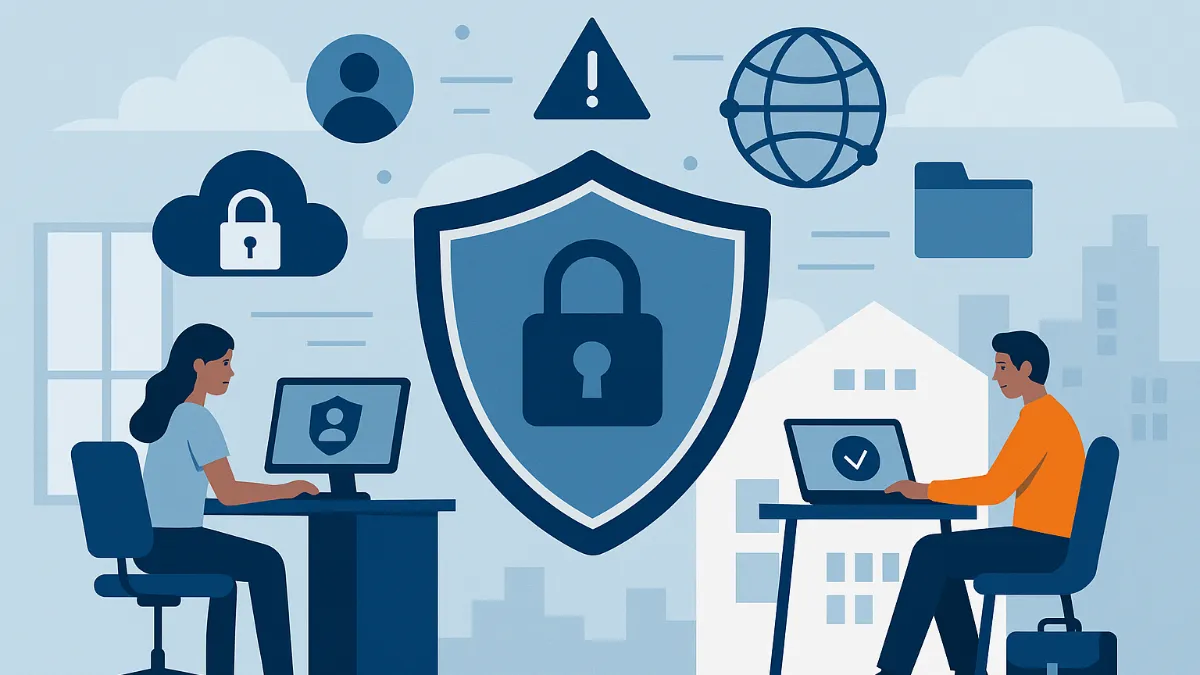
The shift toward hybrid work has fundamentally redefined the landscape of enterprise cybersecurity. What factors have made traditional perimeter-based security no longer sufficient to protect corporate assets?
The New Security Paradigm in Hybrid Work
The hybrid work model has dissolved the traditional office boundaries, creating an ecosystem where employees access corporate resources from multiple locations and devices. While this flexibility benefits productivity, it also introduces unprecedented security complexities.
Before diving into solutions, reflect on this: what do you consider the main threat vectors that emerge when employees work from home, coffee shops, or coworking spaces?
Emerging Challenges
The attack surface has expanded exponentially. Employees use unmanaged home networks, personal devices, and cloud applications, creating multiple potential entry points for cybercriminals. At the same time, organizations must maintain productivity while implementing security controls that do not hinder the user experience.
Microsoft 365 and Azure: Beyond Productivity
Microsoft 365 and Azure have evolved from simple productivity suites to comprehensive security ecosystems. This transformation answers a key question: how can an organization maintain security without sacrificing operational agility?
The Zero Trust Architecture
Microsoft’s approach is based on the principle of "never trust, always verify." This means every access request must be authenticated, authorized, and encrypted, regardless of its origin.
How does this approach differ from the traditional perimeter security model? Consider the implications for access management and identity verification.
Microsoft Defender for Cloud: The Intelligent Shield
Microsoft Defender for Cloud represents the evolution from reactive to predictive and adaptive security. This platform unifies security posture management across multi-cloud and hybrid environments.
Key Capabilities
Continuous Vulnerability Assessment: The platform continuously scans infrastructure, identifying misconfigurations and vulnerabilities before they can be exploited.
Real-Time Threat Protection: Uses AI and machine learning to detect anomalous patterns that may indicate an ongoing attack.
Actionable Recommendations: Provides specific guidance to improve security posture, prioritized by risk level.
Practical Implementation
To maximize the effectiveness of Defender for Cloud, consider these steps:
- Establish Security Baseline: Define minimum security standards for all cloud resources
- Configure Smart Alerts: Customize notifications to reduce noise and focus on critical threats
- Integrate with SIEM: Connect alerts with existing security event management systems
What metrics would you use to evaluate the effectiveness of these implementations in your organization?
Microsoft Entra ID: Identity as the New Perimeter
Microsoft Entra ID (formerly Azure Active Directory) redefines identity management for the hybrid era. In a world where employees access resources from anywhere, identity becomes the new security perimeter.
Adaptive Multi-Factor Authentication
Multi-factor authentication (MFA) is no longer optional, but how can it be implemented without creating unnecessary friction for users? Entra ID uses real-time risk analysis to determine when additional authentication factors are required.
Factors considered include:
- Unusual geographic location
- Unrecognized devices
- Atypical access patterns
- Indicators of credential compromise
Intelligent Conditional Access
Conditional access policies enable granular rules that adapt security requirements according to context. For example, an employee accessing from the corporate network might require only basic authentication, while the same user on a public network might need MFA and restricted access to sensitive resources.
Privileged Identity Management
For accounts with elevated access, Entra ID provides privileged identity management (PIM) capabilities including:
- Just-in-time access to critical resources
- Mandatory approvals for role activation
- Full audit of privileged activities
How would you balance security with productivity when implementing these measures for teams that frequently require access to critical resources?
Microsoft Purview: Data Governance in the Hybrid Era
Data management and protection have become exponentially more complex with the proliferation of SaaS applications and remote work. Microsoft Purview addresses these challenges by providing visibility, classification, and comprehensive data protection.
Automatic Discovery and Classification
Purview uses AI to automatically identify and classify sensitive data across the organization. This includes:
- Personally identifiable information (PII)
- Financial data
- Intellectual property
- Protected health information
Data Loss Prevention (DLP)
Purview’s DLP policies go beyond simple keyword detection. They use contextual analysis to understand content and apply appropriate protections. For example, distinguishing between a social security number in a legitimate HR document versus one in an unauthorized email.
Records Management and Compliance
For organizations subject to specific regulations (GDPR, HIPAA, SOX), Purview provides preconfigured policy templates and automatic retention capabilities to ensure regulatory compliance.
What industry- or region-specific considerations would influence the configuration of these policies?
Practical Strategies to Strengthen Security Posture
1. Gradual, User-Centered Implementation
The transition to a robust security model should be gradual to minimize user resistance. Start with pilot implementations in small groups and gather feedback before expanding.
Suggested Phases:
- Phase 1: Implement MFA for administrators
- Phase 2: Extend MFA to all users
- Phase 3: Implement basic conditional access
- Phase 4: Advanced DLP and data classification policies
2. Continuous Education and Awareness
The most advanced technology is useless if users do not understand its importance. Develop training programs that explain not only the "how" but also the "why" behind security measures.
What training methods do you consider most effective for different types of users in your organization?
3. Monitoring and Continuous Improvement
Establish clear metrics to evaluate the effectiveness of security implementations:
Technical Metrics:
- Mean time to threat detection
- False positive rate in alerts
- Coverage of security policies
User Metrics:
- Time to resolve access issues
- User satisfaction with security processes
- Adoption of security tools
4. Integration with Existing Ecosystems
Microsoft 365 and Azure must integrate seamlessly with existing security tools, including:
- Connection with corporate SIEMs
- Integration with vulnerability management tools
- Synchronization with IT ticketing systems
Industry-Specific Use Cases
Financial Services
Financial institutions require additional controls due to strict regulations. Implement:
- Automatic labeling of financial documents
- Conditional access policies based on geographic location
- Advanced monitoring of data transactions
Healthcare
For healthcare organizations, protecting medical information is paramount:
- Automatic classification of medical records
- Role-based access controls for clinical staff
- Detailed audit of patient information access
Manufacturing
Manufacturing companies must protect intellectual property and operational data:
- Protection of designs and technical specifications
- Access control for industrial control systems
- Monitoring of large file transfers
What specific adaptations would your industry require for these implementations?
Future Considerations and Emerging Trends
Artificial Intelligence and Machine Learning
The next generation of security tools will incorporate more advanced AI for:
- Proactive threat prediction
- Automated incident response
- More sophisticated user behavior analysis
Quantum Computing and Post-Quantum Cryptography
Organizations should begin planning for a future where quantum computing may compromise current encryption algorithms. Microsoft is developing cryptographic solutions resistant to quantum attacks.
Zero Trust Network Access (ZTNA)
The evolution toward ZTNA models will provide more granular, contextual access to corporate resources, eliminating the need for traditional VPNs.
Conclusions and Next Steps
Security in the hybrid work era requires a holistic approach that combines advanced technology, well-defined processes, and strong organizational culture. Microsoft 365 and Azure provide the necessary tools, but success depends on thoughtful implementation tailored to each organization’s specific needs.
Final Reflection Questions
- How would you evaluate your organization’s current security maturity?
- What organizational barriers could hinder successful implementation?
- How would you measure the ROI of these security investments?
The transformation toward a robust security model for hybrid work is not a destination but a continuous journey of adaptation and improvement. The key to success lies in starting with solid foundations and gradually evolving toward more advanced capabilities, always keeping the end user at the center of the strategy.
What will be your first step to strengthen your organization’s security posture?